

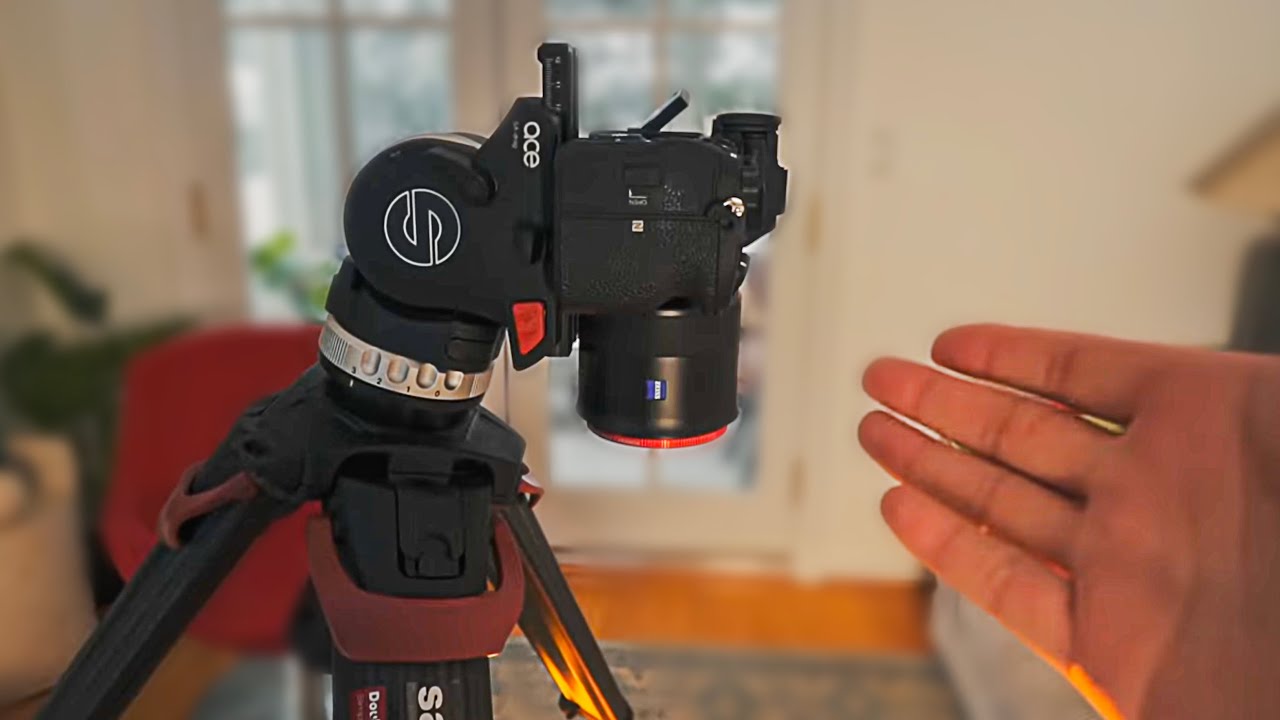
How to FAKE Super Slow-Mo with ANY Camera!
Daniel Schiffer on YouTube
A video on YouTube. In Photography & Film, a Krater category.
Watch on YouTubeSummary by Krater
The creator demonstrates how to create a fake super slow-motion effect in Final Cut Pro X using a tomato drop, a camera rig, and keyframe adjustments.
From the video
Answers: How do you create a fake super slow-motion effect in video editing?
- slow motion video effect
- Final Cut Pro X editing
- camera focus pull
- green screen keying
- Canva Pro brand kit
What it concludes
- Fake super slow-motion creates tension and engagement without expensive high-speed cameras.
- Combining a real camera focus pull with digital zoom creates a realistic push-in effect.
Seen it? Rate it, review it and add it to your lists.
Title, thumbnail and channel name from YouTube. Krater isn't affiliated with, endorsed by or sponsored by YouTube or Google.